
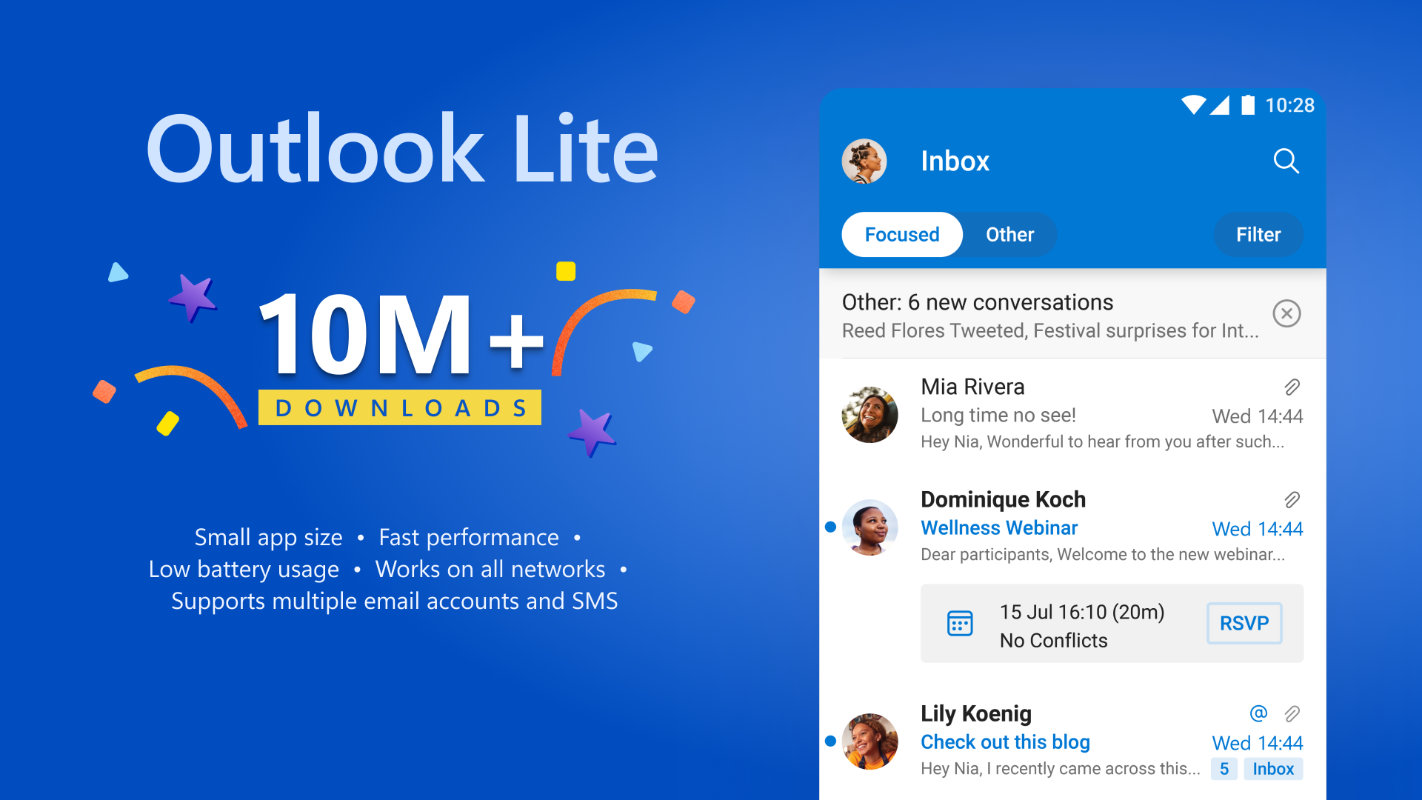
Outlook Lite was designed to run smoothly even on low-end devices when it was launched just four years ago. It reached 10 million downloads by 2024.
Microsoft this week confirmed its intent to sunset Outlook Lite for Android on the 25th of May, preventing access by any remaining users.
The app has been pulled from the Play Store since October of last year, but its functionality will soon be ended as well.
After the 25th May, users will still be able to open the app but mailbox access will be disabled, which is sure to spark confusion among its users. Essentially, the app will no longer function at all.
In the interim the app will display an Upgrade option that sends users to the Play Store to download the full-featured Outlook Mobile.
Users are expected to switch across to the full Outlook app or a third party alternative.
Microsoft says user accounts won’t be disabled or deleted, and existing mail, calendar events and attachments will still be available on another platform like Outlook Mobile.

Why is Microsoft ending Outlook Lite support?
The tech giant says the reason for the shutdown is to focus its development resources into a single app instead of spreading across two.
That makes sense, but for very low-end devices Outlook Mobile might prove difficult to run. Outlook Lite was reported to be optimised for devices with as little as one gigabyte of memory, making it well suited to older, budget devices.
Who does this affect?
Since Outlook Lite has been unavailable for download since October of last year, it’s likely that diehard fans of the platform and those who missed the announcement are the ones affected.
If you’re still using Outlook Lite, it’s well and truly time to look for a new platform to move to.
What alternative should I switch to?
If you’re looking to switch to a new platform but don’t know what to choose, here are our recommendations.

Best lightweight option: Thunderbird for Android
Mozilla Thunderbird is great on both desktop and mobile platforms.
The app has a minimal design philosophy that eschews heavy animations and processing requirements.
In fact, it typically only uses a few hundred megabytes of memory, making it suitable for budget smartphones.
Thunderbird is a great option for regional and rural users as it focuses on a direct-to-server sync architecture with minimal reliance on cloud services.
Plus, it’s great for privacy since the client doesn’t track your usage or scan your emails unlike other options.

Most familiar option: Outlook Mobile
If you’re on a relatively modern device, it should be capable of running Outlook Mobile.
This is the most familiar option if you’re coming from Outlook Lite, as the interface is broadly similar.
The extra features include advanced search to find messages, an AI-sorted focus inbox that surfaces your most important emails, and integration into services like OneDrive, SharePoint, and Teams.
If you’re in the Microsoft ecosystem for work or personal use with 365, Outlook Mobile is a natural choice.

Most integrated with Android: Gmail
The stock Gmail app comes preinstalled on every Android device, and it’s a good option for casual users.
Compared to Thunderbird, it has moderately higher processing requirements and it relies on a stable connection, making it a worse choice if you’ve got a poor network environment.
Its unified inbox makes it easy to see your accounts at a glance, and automatic sorting categorises emails into a few different types so you can easily find the emails you’re looking for.
Our pick: Move to Thunderbird
Thunderbird is supported by the Mozilla Foundation, is fully open source, and has no ads or data tracking. That’s why it’s our pick for the best email client on Android.
If you’re looking to stay on top of your emails after moving to your new email client, here’s our guide on dealing with spam.





2 comments
Robert Bowtell
About two years ago with a new computer and Microsoft 365, I inadvertently downloaded the Lite version (causing great angst till I discovered the problem).
My question is – can I now delete the Lite version, once and for all!
Thankyou
Robert
Scott Hunt
You should be able to log into an alternative client with the same account, yes.