
Windows laptops are now available on four different chip platforms, and the choice makes a big difference to how your laptop performs.
The processor specification can determine things like power efficiency, which apps run properly, and how well the laptop handles AI functions. That means the best laptop chips for your needs will vary based on your usage.
AMD and Intel use the x86 instruction set Windows has always run on, giving them the broadest compatibility. Qualcomm and NVIDIA processors are both built on Arm, an architecture shared with phones and Apple Macs.
In this article we’ll explain the differences between the most common processors found in modern laptops and how to pick the best one for your next computer purchase.

Intel Core Ultra: integrated graphics powerhouse
Intel Core Ultra is one of the most widely used laptop chips across manufacturers. The current generation is the Core Ultra Series 3 (codenamed Panther Lake), which mixes performance and efficiency cores with a dedicated NPU for AI features.
What it does well: Integrated graphics are Intel’s biggest strength. The top chips are fast enough to play modern games at 1080p without a discrete graphics card, especially in tandem with frame generation. The current generation’s efficiency is improved over previous generations, and overall CPU performance is competitive.
Where it falls short: The strongest graphics performance is reserved for the top processors. NPU performance currently trails both AMD’s and the Snapdragon X2, and due to only four full performance cores, the processors aren’t as performant in certain multi-core workloads.
Who it’s for: Students, office workers, families, and casual gamers who want to play recent titles without paying for a fully fledged gaming laptop. Like AMD, it’s able to run older and specialised x86 software.

AMD Ryzen AI: x86 AI performer
AMD Ryzen AI processors match Intel on everyday performance and compatibility. The current mainstream generation, Ryzen AI 400 (codenamed Gorgon Point), refines the previous generation with slightly higher clock speeds and a faster NPU on the top chips.
What it does well: Everyday performance is great, and AMD’s high-end NPUs are rated at up to 60 TOPS: the highest on x86 architecture. Ryzen AI Max processors go further, outperforming Intel’s best with the ability to assign up to 96GB of memory to the GPU for local AI models.
Where it falls short: Power efficiency is AMD’s weak point. In testing adjusted for battery size, the mainstream chips trail both Intel and Qualcomm. Entry Ryzen AI 400 chips can have half the cores and a quarter of the graphics units of the top models, so it’s worth checking the one you’re buying.
Who it’s for: Buyers who want reliable everyday performance with the strongest NPU on x86 for local AI features. Step up to Ryzen AI Max for even stronger performance.

Qualcomm Snapdragon: efficiency king
Qualcomm’s Snapdragon chips bring smartphone-style Arm efficiency to Windows. They run the Arm build of Windows 11, with Microsoft’s Prism emulator handling x86 apps that haven’t been ported. The current range spans the first-generation Snapdragon X and the new, faster Snapdragon X2.
What it does well: Efficiency and CPU performance are the two strong points on the Snapdragon platform. The first generation Snapdragon X Elite tops battery-adjusted efficiency testing, while the X2 Elite leads Intel and AMD’s current mobile flagships on multi-core CPU performance. Snapdragon laptops generally perform great in battery tests, and the NPUs are rated between 45 and 80 TOPS.
Where it falls short: Compatibility is getting better all the time, but it’s still not universal. Some third-party software and drivers don’t function well, meaning many IT departments are avoiding them for fleet deployment. Gaming also trails x86 with less consistent framerates.
Who it’s for: Travellers, students, and anyone who does their work in familiar apps like browsers and Office. Snapdragon laptops offer great efficiency, and cool, quiet performance.

NVIDIA RTX Spark: local AI laptop chips
NVIDIA’s RTX Spark platform is new to the market, and it’s a different kind of chip entirely: an Arm CPU and a Blackwell RTX GPU on a single package, sharing a pool of unified memory. It’s based on the same silicon NVIDIA put in its DGX Spark AI mini PC, but rebuilt for laptops. The current N1X chip comes in two versions, topping out at 20 CPU cores, 6144 CUDA cores, and 128GB of memory.
What it does well: Memory is the headline feature. Because the CPU and GPU share a pool, RTX Spark laptops can handle local AI models extremely well. They’re remarkably efficient and powerful, with some gaming tests reaching close to RTX 5070 laptop performance.
Where it falls short: RTX Spark laptops command an extreme price premium, and entry configurations don’t deliver particularly well on the local AI pitch. Single-core performance trails the x86 architecture, and demanding games quickly drain the battery.
Who it’s for: Creative professionals and AI developers looking for serious graphics processing power and a large memory pool in a slim laptop. Think 3D artists, video editors, and anyone needing to run local AI models or CUDA workloads.
The best laptop chips for your needs
There’s no single default for everyone. The right choice comes down to your priorities in a mobile computer.
- Pick Intel if you want to play recent games at low to mid settings without shelling out for a gaming laptop
- Pick AMD if you’re looking for the strongest x86 NPU for AI features
- Pick Snapdragon if you value efficiency and portability, or multi-core CPU speed matters more to you than single-core performance
- Pick NVIDIA RTX Spark if you’re a creator or AI developer needing a large memory pool, and you’re prepared to pay premium prices for it
If you’re considering an Arm processor but use specialised software, check its compatibility with Works On Windows On Arm. If you’re still unsure on the differences between x86 and Arm, take a look at our comparison article.
Where to find each chip in Asus’ range
Asus sells laptops running all four platforms in Australia.
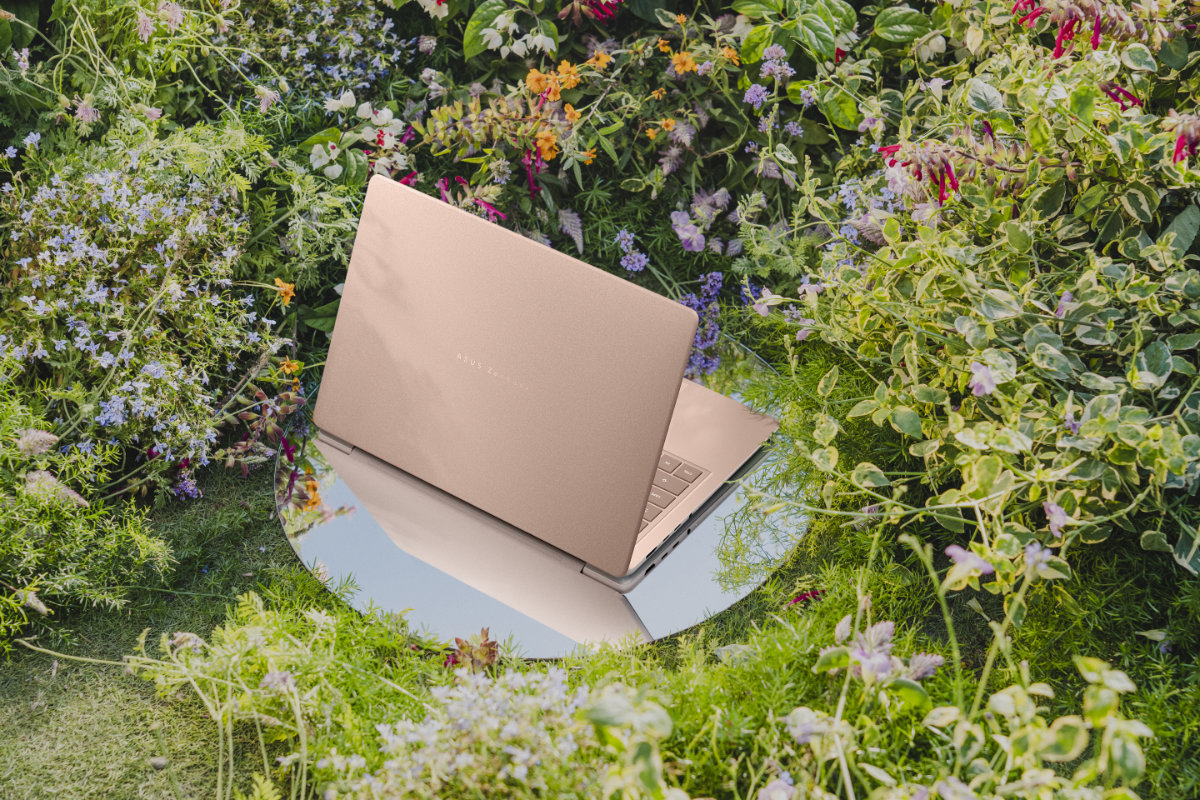
The new Asus Zenbook 14 range runs up to $3999 depending on configuration. Models are offered with the Intel Core Ultra Series 3, the AMD Ryzen AI 400, and Qualcomm Snapdragon X processors.
The ProArt P14 and P16 models are available with NVIDIA RTX Spark N1X processors, with prices depending heavily on memory, ranging up to $10,999 for the top-of-the-range P16 with 128GB of unified memory.




Comments