
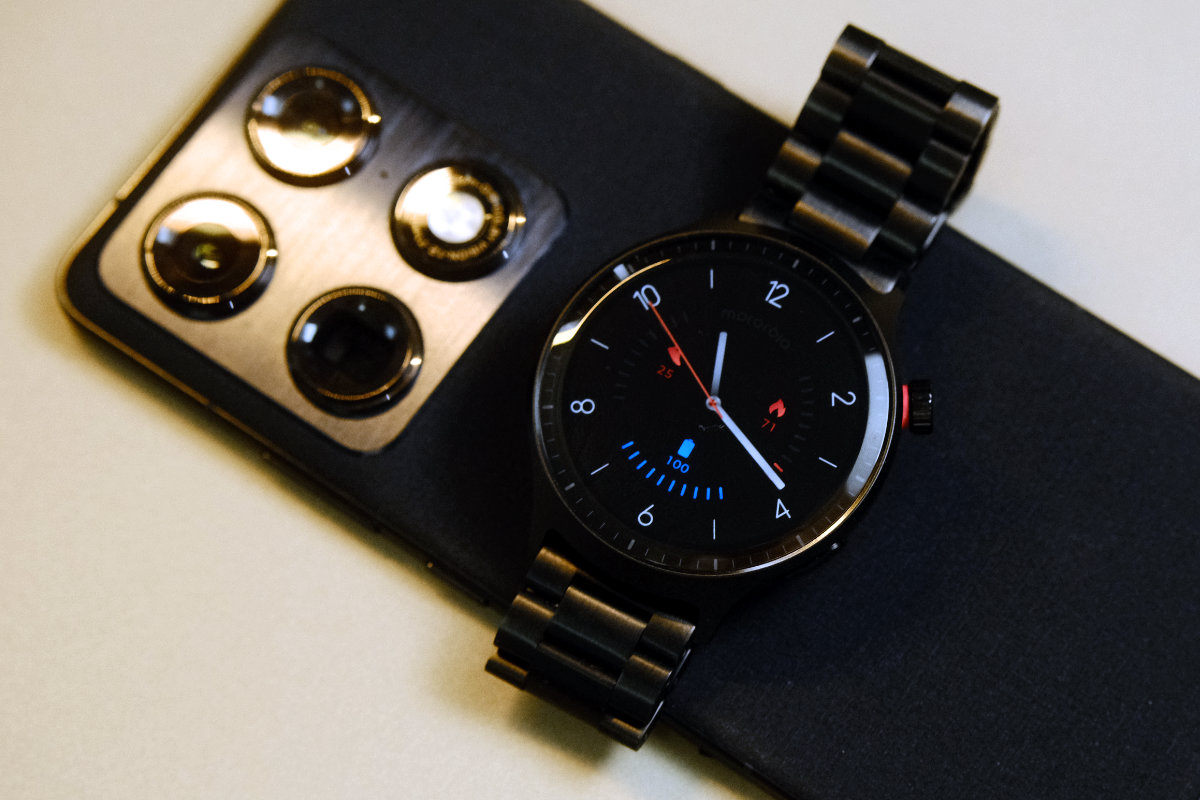
The new Motorola Moto Watch is a sleek and sporty smartwatch that’s geared towards everyday wear and fitness tracking through Motorola’s bespoke operating system.
Featuring a 47-millimetre casing, OLED screen, and a linked metal bracelet, it feels like a premium smartwatch in every way but the price tag.
If your smartwatch use mainly revolves around fitness tracking, notification triage, and telling the time, the Moto Watch is a great option, but if you rely on third-party apps a lot you may find it limited.
Rating: 4 / 5
Pros
- Battery life is outstanding
- Looks and feels premium
- Very affordable for a smartwatch
Cons
- No app store
- No iPhone compatibility
- Annoying charger quirks
Price: $199 | For Android users seeking an affordable smartwatch
Setup & First Impressions
The Moto Watch arrives in a box with everything you need to get started. It includes the watch, the charger, a metal band link removal tool, and documentation.
Pairing the unit to your phone is straightforward. You’ll need the Moto Watch app, in which you just follow the prompts to pair with your phone.
Once connected, the watch takes you through an onboarding process that teaches you gestures for using the watch and navigating its interface.
For anyone who’s used WearOS before, the Moto Watch’s custom OS should feel fairly familiar and smooth to use.
Design & Aesthetics
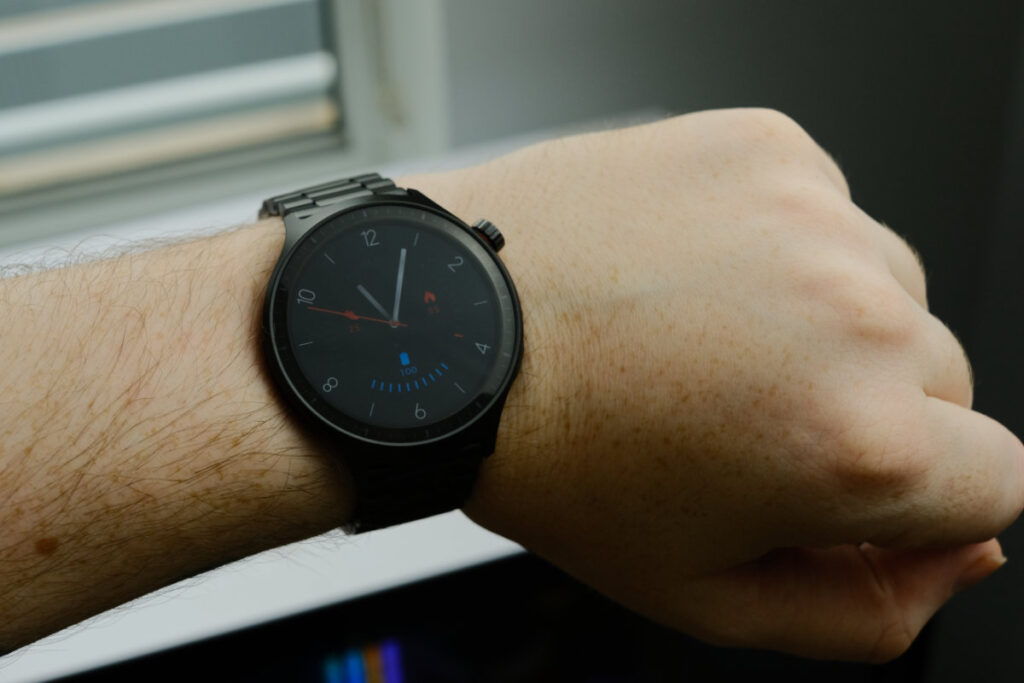
On first impressions, the watch feels well-made and solid. The bracelet and casing are solid aluminium with a stainless steel crown, and the fit and finish is excellent.
The design looks a bit more like a classic watch than a fitness tracker band.
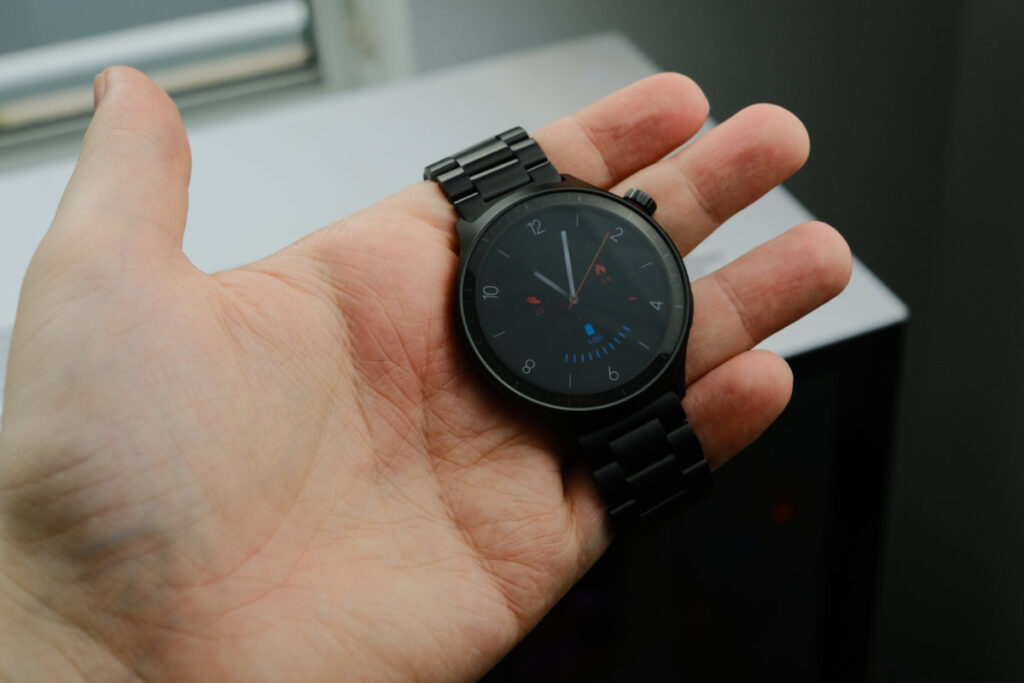
Stainless steel bracelets aren’t my preference on watches. This one looks great, but in a practical sense it feels heavy and uncomfortable to me.
Considering one of the big selling points of the Moto Watch is sleep tracking, a softer band inclusion would have made sense.
Luckily, the band is easily swapped for third-party 22-millimetre options if you’d like to opt for a different material.
The watch provides a range of faces to choose from and AI-prompt generated faces. Watch faces can feature step count, battery level, and weather complications, but AI-generated ones are limited to a digital dial over a generated image.

Life With the Motorola Moto Watch
I’ve been wearing the Moto Watch for several weeks and getting to know its routines and the ins and outs that come with ownership.
Positives
Battery life is the most outstanding feature on this smartwatch. It has an exceptional standby time reaching to ten days and just a short time on the charger provides a meaningful extension of longevity.
During a 2-hour bike ride with GPS tracking on, the watch used just 9 percent battery. That gives me the confidence to say that the watch should comfortably last a full working week.
The Polar partnership provides fitness and health metrics like recovery scores, heart rate variability, and easy workout tracking. In the companion app, the onboard sensors give valuable feedback to assist your wellness routines.
The available metrics are valuable and don’t go overboard giving you too much feedback. Sleep quality, workout records, activity, stress, and heart rate all feel actionable and useful.
Negatives
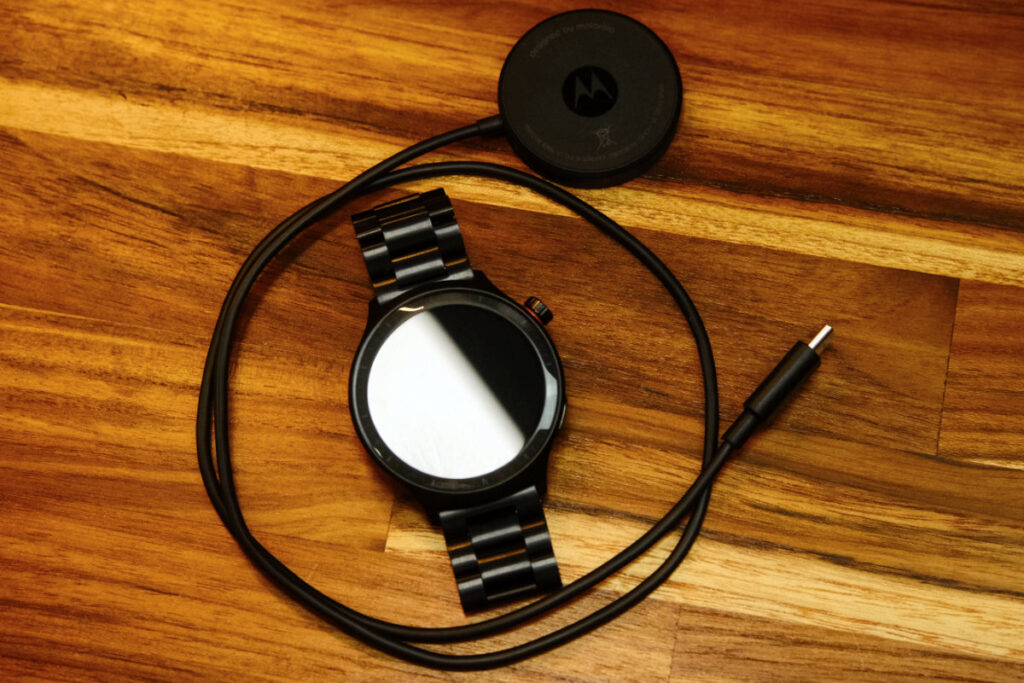
My biggest issue with the whole experience revolves around the included charger. It’s a piece you have to interact with regularly, and I found the charger lacking polish. Its cable is surprisingly short, meaning it’s difficult to position ideally.
Although it uses a USB-C plug, the cable cannot be disconnected at both ends so you can’t simply swap out the cable for a longer one. Plus, the design of the charger means the watch can only be charged in one orientation.
Another key issue is that although the watch displays notifications, you can’t actually interact with them on your wrist. That means it can help you triage your notifications, but you’ll still need to use your phone to action them.
The Moto Watch is an Android-only device, and it can’t be used with the iPhone ecosystem at all. This is a step backwards from prior Motorola wearables that were platform agnostic.
Performance & Reliability
In daily usage, the Moto Watch performs great. It’s quick and smooth to navigate between on-watch apps. GPS lock is quick and accurate, and workout tracking provides solid, useful metrics.
My dedicated cycling computer and heart rate strap are a little more accurate, but the Moto Watch is more than capable of providing a casual overview of your workout and fitness.
The fitness section provides a Nightly Recharge stat that goes a bit deeper than just an arbitrary sleep score. This is more helpful if you’re looking to determine your next workout intensity and length.
Practical Considerations
The Moto Watch features an IP68 rating against water and dust intrusion, making it suitable for swimming, showering, and sweating.
As mentioned previously, the proprietary watch charger and its short cable will likely have you looking for a USB-C extension cable. Plus, if you’re looking for comfort you’ll want to consider a fabric or silicone strap replacement.
If you’re on iPhone, this isn’t the watch for you. Motorola has omitted iOS compatibility entirely in a step backwards from previous models.
Value & Alternatives
Coming in at just $199, the Moto Watch is a very competitive smartwatch. The Galaxy Watch FE is the nearest alternative, but comes in a bit more expensive. It’s got full app support, but battery life is not as good.
The biggest feature the Moto Watch offers is its outstanding battery life – if this is your top priority, it’s tough to beat.
Would I Buy It With My Own Money?
Yes, definitely. The Moto Watch is a great value option that provides reliable fitness and health tracking and does so without needing daily charging.





4 comments
John Shears
Does the Motorola Moto Watch have to have an Android smartphone nearby to work or can it operate independently from the smartphone.
Scott Hunt
Hey John, it provides basic tracking functions like step count and heart rate without the phone but obviously can’t sync its data or display notifications. There’s no LTE capability and you can’t pair headphones directly to it.
Paul Hogan
Thank you for this review.
I’ve been giving consideration to buying a smart watch. I found this review to be matter of fact and easy for a nontechnical user to understand.
I will be a Motorola Moto Watch and the addon recmmendations; a USB C extension and a fabric or silicone strap replacement.
Thank you and keep up the great work. It is much appreciated.
Scott Hunt
Thank you Paul!