
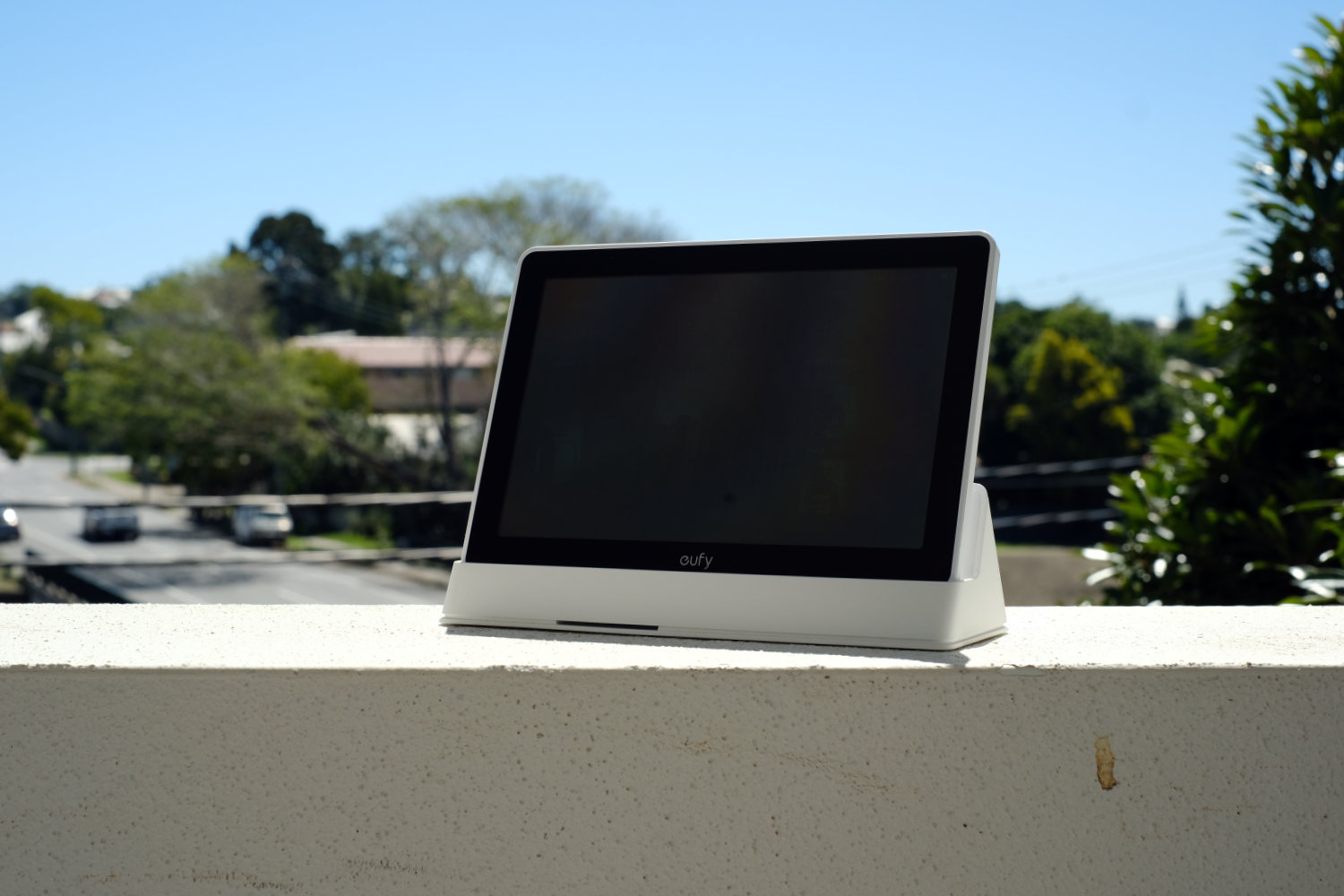
The Eufy Smart Display E10 is designed to be the keystone that brings your Eufy home security system together.
It’s not just any regular smart display – it’s purpose-made for viewing compatible Eufy security cameras with features that are unavailable on the Eufy app.
With the ability to view up to four feeds simultaneously and control certain other Eufy products like sensors and smart locks, it’s your central hub for your home security.
Rating
Overall: 3 / 5
Pros
- View up to four feeds at once
- No subscription requirement
- Solid battery life
Cons
- No smart home control
- Limited compatibility
- Expensive for what it does
$369 | For centralised control of your Eufy system
Setup & First Impressions
When you first get the Eufy Smart Display E10, it’s very easy to set up – especially if you’ve already got a few Eufy products.
You can enter your WiFi details directly on the tablet the connect it to your network, sign in or create a Eufy account, and you’re ready to go.
All compatible Eufy products attached to your account will appear on the Smart Display E10 and you’re able to view and control them right from the tablet.
Included in the box, you’ll find a 32GB micro SD card for local storage of any footage you capture.
Check out my first impressions of the Smart Display E10 here.
Design & Aesthetics
The Eufy Smart Display E10 is a pretty minimalist, basic device made from plastic and glass with a simple black and white colouration. It features thick bezels and it’s fairly chunky from front to back.
The device comes with a stand that’s great for placement on a counter or tabletop, or you can use one of the wall-mounting options with either self-adhesive strips or permanent mounting with included hardware.
It’s easy to pick up from the dock or mount to bring where you need it – helpful if you’re waiting for the doorbell. There’s an included kickstand for when you’re using it away from the dock.

Life With The Eufy Smart Display E10
I’ve had the Eufy Smart Display E10 for several weeks and It’s been easy to use with my other Eufy cameras, including a doorbell and outdoor camera.
Positives
The biggest positive of the Smart Display E10 is that it gives you a dedicated spot to receive alerts from your Eufy cameras. That means it’s easier to view your notifications and camera feeds than flipping over to an app on your phone.
Performance has been snappy and I haven’t run into any hiccups while using the Smart Display E10. Video feeds open up right away and doorbell alerts come without delay. It’s not noticeably quicker to receive notifications than the app, but it’s much faster to action them.
Voice alerts from the display help notify you what sort of event has been detected so you don’t need to actively be looking at the screen to know what’s going on.
The battery life is very impressive, and the tablet can be used away from the dock for many days – even up to a week depending on how many alerts you get.
Having events recorded locally means there’s no ongoing subscription fee for cloud access, and it’s easy to back up your footage should you feel the need to.
Negatives
Unfortunately, the Eufy Smart Display E10 is extremely limited in usage – you can’t use it for anything beyond interacting with your Eufy security products.
That means that if you’re looking to control your other smart home devices, you’ll need a second smart home hub anyway – and it’s very likely you can view your Eufy cameras on that too.
It has a limited compatibility list, so you’ll have to check what Eufy cameras it works with. It doesn’t function with any third-party cameras either.
For this reason, I feel the Smart Display E10 is a product looking for a problem rather than something that solves a real issue.
To get all the functions available like facial recognition and daily summaries, you’ll need other Eufy products like particular HomeBase devices as part of the setup. Paywalling software features behind owning particular products is a big pain point for me.

Performance & Reliability
Essentially, the Eufy Smart Display E10 accomplishes what it sets out to do. It provides rapid notifications from your Eufy security products and centralises camera feeds into one location for convenient viewing.
There’s not much to go wrong here, and Eufy has a good track record of supporting older devices, so it’s likely to be a purchase that stays a part of your system for years to come.
Practical Considerations
A key point to remember is that you’ll only truly benefit from this product if you’re already heavily invested into the Eufy ecosystem. If you’ve got just one or two cameras you’re pretty much getting all the functionality from the free companion app already.
It mainly works with newer security devices, so if your Eufy setup includes older cameras you’ll want to double check compatibility before investing in the Smart Display E10.
Value & Alternatives
The Eufy Smart Display E10 is about on par price-wise with other smart home hubs like the Amazon Echo Hub or the TP-Link Tapo H500 plus a cheap tablet.
The key difference is that these alternative options won’t give you the simultaneous viewing function – but they do at least let you control other smart home devices.
Ultimately if you’ve already got several Eufy cameras or are planning to invest in many, the Smart Display E10 might be good value – otherwise you’ll get more functionality out of another option.

Would I buy it with my own money?
No. Unless you’ve got at least three or four compatible Eufy cameras I don’t think the Smart Display E10 is worth the price over alternatives or just using the free app. However, if you do have a large system this might be a natural addition to your setup that lets you view your cameras simultaneously.







Comments