
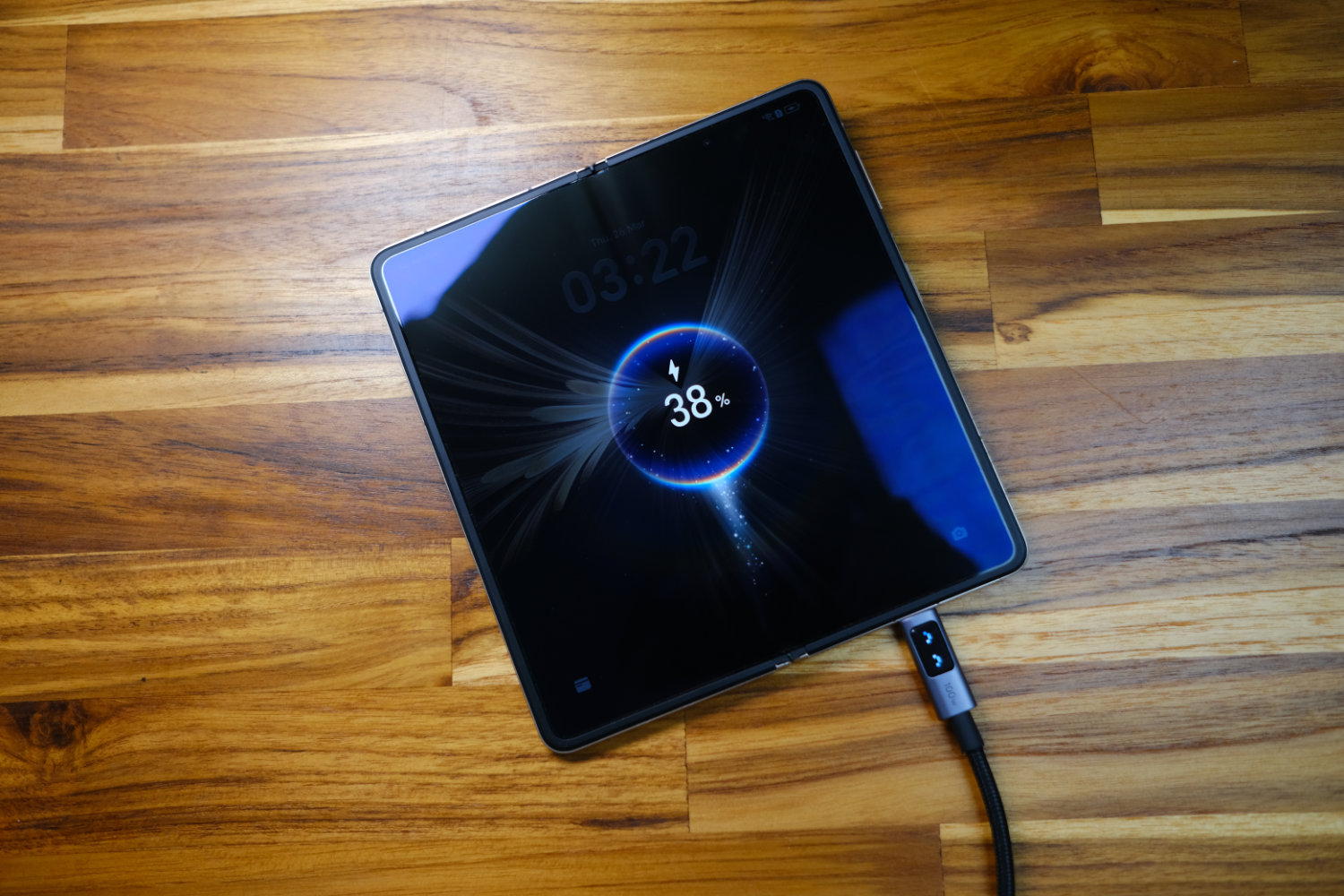
As our phones age, battery life is one of the most noticeable changes. Over time, the chemistry inside the battery degrades and becomes unable to store as much charge as when the device was new.
Eventually, aging can cause a battery to become dangerous. But before then, the biggest issue is your phone battery dies quickly.
Let’s take a look at what causes increased battery drain and how to make your phone battery last longer.
What causes increased battery usage?
There are several reasons your phone battery dies quickly – and it’s not just down to age.
Screen Brightness
The screen is the biggest power draw in modern smartphones, and increased screen brightness is one of the main culprits of your phone battery draining fast.
Modern high-refresh rate phone displays can be quite power hungry, and that’s why screen time is one of the main metrics we use when looking at phone battery life.
Poor Signal Conditions
If you’re in an area with poor Wi-Fi or cellular signal, your phone will search for a stronger signal source. This continued refreshing and increased transmitter power can cause a shorter battery life.
Background App Activity
Most apps are good at optimising background usage, but some continue to run processes and synchronise data in the background. These services that constantly check for updates and sync can keep your phone processor and transmitter active.
GPS and continuous location tracking is one of the biggest culprits of background power usage. If your phone is fairly new but the phone battery dies quickly, this might be why.

How to improve battery life
With these points in mind, here are a few practical methods of extending your phone’s battery life.
Reduce screen brightness
You should use adaptive or auto brightness where possible, and set your screen to automatically turn off after the shortest idle time that’s comfortable for you.
If you’re still having issues, try setting your screen brightness manually. Even dropping brightness by just 20 percent can noticeably extend your battery life.
If you’ve got the option, switching your screen to a lower refresh rate can give you a meaningful boost to your battery life too.
Use Battery Saver or Low Power Mode
Both Android and iOS have power saving modes that reduce visual effects and animations, limit performance, and – crucially – increase your phone battery life.
This isn’t a mode you’d want to leave on all the time because it limits notifications and performance. However, it can be helpful if you need to squeeze some extra time out of the battery before you can reach a charger.
Switch off functions you’re not using
If you’re not actively using Bluetooth, Wi-Fi, or location services, turning these off can give you a bit more battery life.
GPS and location services are big culprits when it comes to battery drain. Bluetooth and Wi-Fi don’t take quite so much power, but still might be enough to make a difference. If you’re not using them, you might as well turn them off when you need to squeeze the most out of your battery.
Keep your device up to date
Keeping your device up to date isn’t just important for security. Developers know that battery life is one of the most important features to any user, so if there’s an issue with it, they’re likely to focus on solving the problem.
Ensuring your device is running the latest operating system and keeping your apps up to date is a great way to keep your phone performing its best.
Consider carrying a power bank
If you’ve heard all these tips before and you’re still having issues after using them, it might be time to consider investing in a power bank. Even compact power banks these days store around 10,000 mAh of additional charge – that’s enough to recharge most phones nearly twice.
Small options easily fit in a bag or a large pocket and are great to have on hand in situations where you need a top-up. If your phone battery dies quickly, this might be a great option.
A charging case is another option that can give you a boost without carrying around a second device. It makes your phone bulkier, but if you only want to carry one thing it’s an option worth considering.
The advantage of a separate power bank is that you can keep using it even if you change to a newer phone. Plus, you can charge other devices with it like Bluetooth headphones, tablets, or laptops.







Comments