
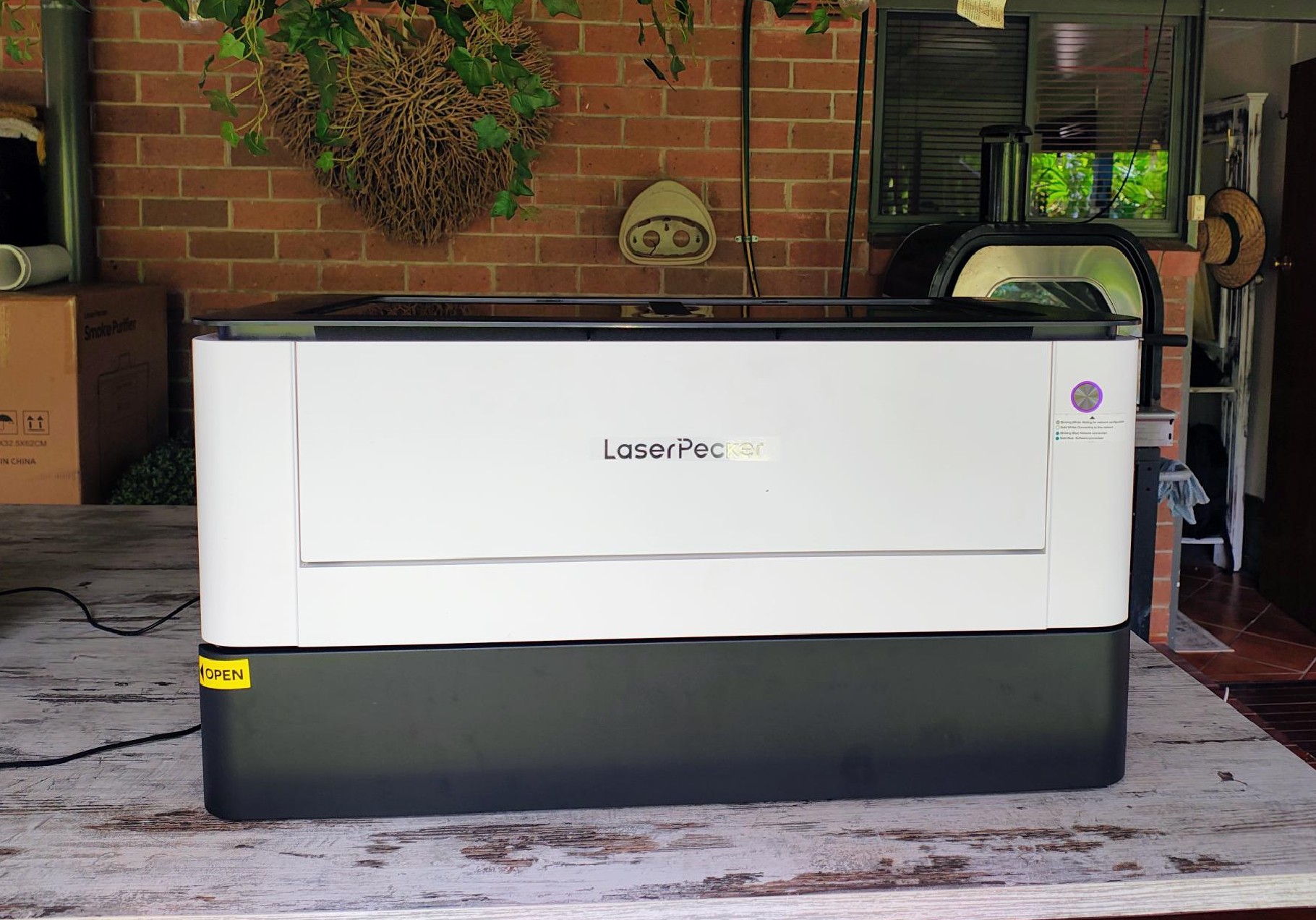
The LaserPecker LX2 is the latest benchtop addition to the handheld laser engraving and cutting family.
I enlisted the assistance of Pete Smith, based at Gosford on the NSW Central Coast. He provides custom glass swimming pool fences, aluminium ‘anything’ constructions, and custom ‘inventions’ to suit Ute trays, camping, caravans and more. He has used the device for several weeks, and we then got together to see how I, as a novice, could use it.
Our first experience with laser cutting and engraving was the LaserPecker LP5 smart dual laser cutter/engraver – groovy man, and our reviewer Pete uses it regularly for commercial and hobby purposes, engraving, for signs, curved glassware etching and more. But it is a one-off maker’s device with a dual 20W Fibre laser (for metals and plastics) and a 20W Diode laser (for wood, acrylic, leather, glass, stone, etc). It also comes with a cabinet and stand for more permanent installs.
So armed with this extremely positive experience, we agreed to review the new LX2.
Let me warn you that ours is an early unit running beta LX2 LDS software, not the standard LDS version. As such, there are, as to be expected, different layouts and bugs! We would have liked to show you more, but it’s not quite ready.
We decided to walk you through the process from purchase to use.
Australian Review: LaserPecker LX2 smart laser cutter/engraver
| Website | Product page (care – US pricing) Manual |
| Price | See below – care these are US$, and you can about double them for A$. |
| From | LaserPecker online. |
| Warranty | 12 months. We consider this too short and are unsure if the ACL warranty applies. Warranty policy here. We are uncertain of local support and warranty returns. |
| Made in | China |
| Company | LaserPecker was established in the USA in 2017 and has over 200,000 global users in 170 countries. |
LaserPecker LX2 – The All-in-One Laser Cutter (ALL PRICES USD, so double them, E&OE)
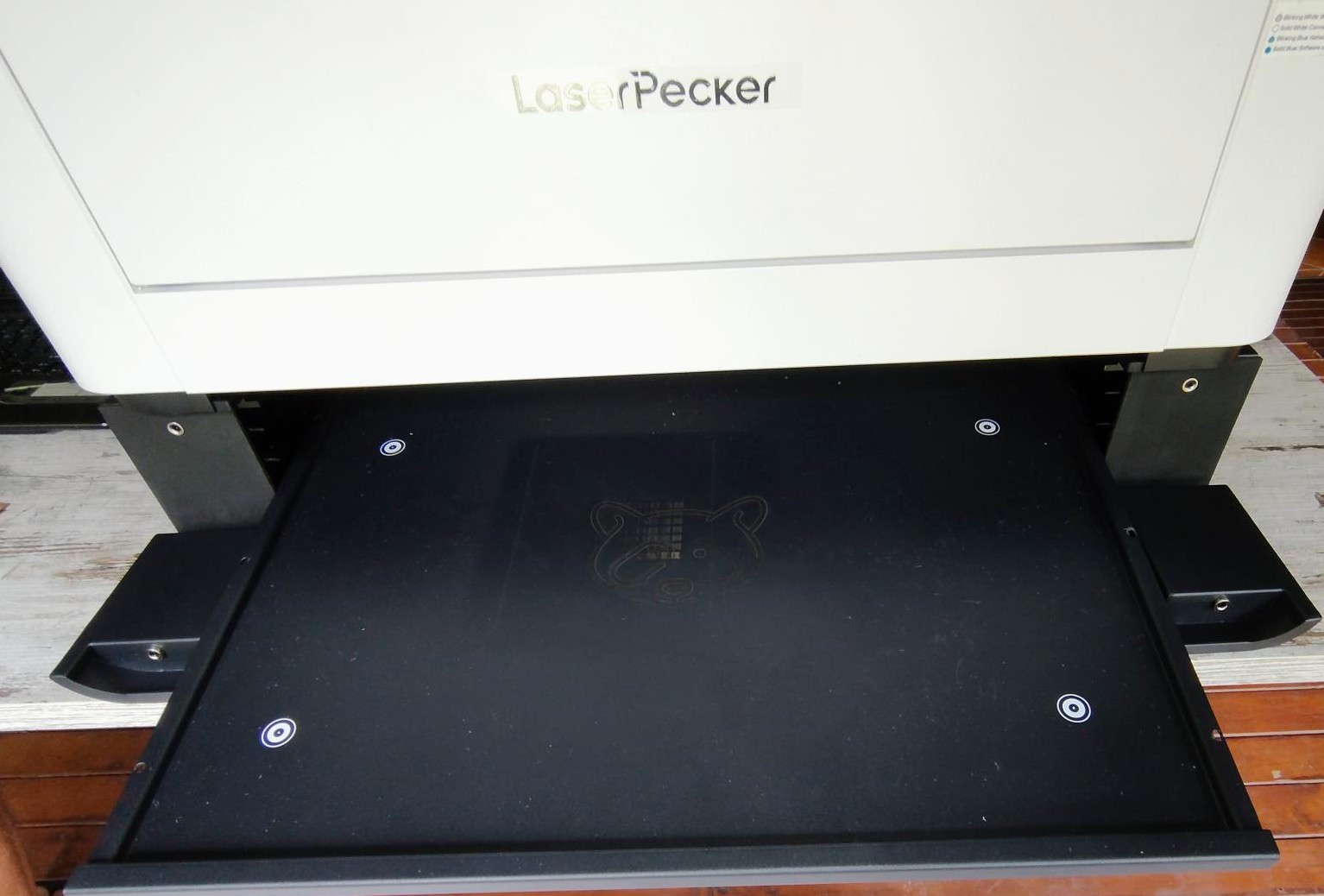
The LazerPecker LX2 base unit includes 1 x Laser desktop module, Smart Air Assist (which blows air directly onto the cut zone to cool the surface and prevent scorching), four slats (to place material on, and you really need many more), and a free fire extinguisher module.
It’s a highly accurate .01mm gantry-style laser moving on the X/Y axis.
- 20W Diode $1999 but currently on sale at $1649
- As above, plus riser base and rotary extension $2799/1999
- As above plus external Smoke Purifier unit $3599/2499
- 40W Diode $2499/2149
- As above, plus riser base and rotary extension $3299/2499
- As above plus external Smoke Purifier unit $4099/2999
Options for base unit
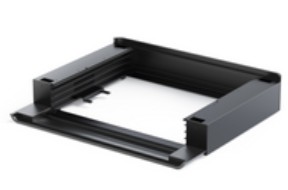
The optional riser base adds a front and rear door, 150mm depth and a 560 x 470 baseplate for larger material handling and pass-through.
The optional external smoke purifier unit is for internal installations and has a three-stage filtration with HEPA and activated carbon, which captures 0.3-micron particles. It has two filters. The main HEPA are $119 for a filter box and five filters. Pre-filters are are $39 for five. We are unsure if both are required (not tested)

- Smoke purifier external cabinet $799/599
- Riser base $399/299
- Riser base and motorised rotary ‘cup’ engraver (reduced height to 130mm) $849/499
- Fire extinguisher refills x 2 $119/69
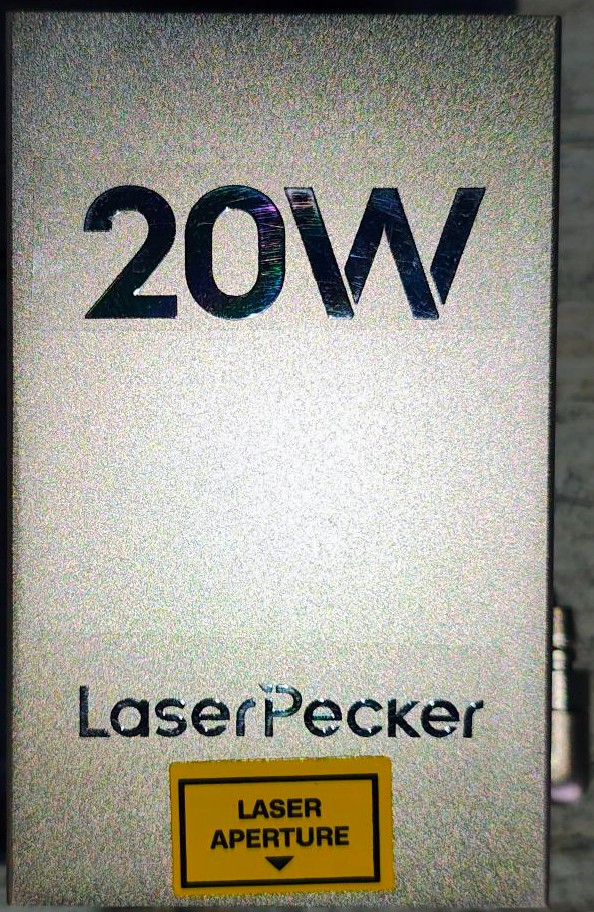
You can buy extra ‘easy swap – no tools’ laser heads
- 2W 1064 nm 32 x 40 µm spot IR laser $758/599 (for metals)
- 20W 455 nm 102 x 96 µm $899/599
- 40W 455 nm 135.9 x 103.3 µm $1399/1099
- 60W 455nm $2099/1699

As you can pretty well double the US$ price, you could spend up to A$20,000 for everything. Let’s just say that you need a business plan.
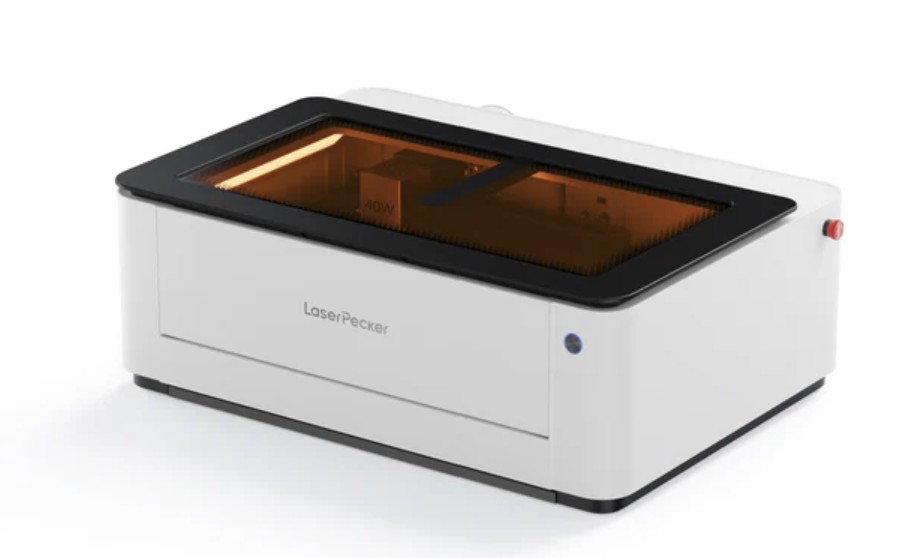
First Impression: Big
The base unit is 780 x 609 x 281 mm x 22.5kg with a top-opening safety glass lid. It has a work area of 500 x 350 x 45 mm high and up to 150mm with the riser base unit. It is very well made, and RNZ C-tick approved for Australia. Features:
- High-Precision Camera Positioning
- Smart Material Recognition & Auto
- Parameter Recommendation
- Expanded Working Area
- High-Speed Performance
- Thicker Material Support
- Batch Processing
- Puzzle Generation Tool
- Real-Time Camera Monitoring
It’s a ready-to-use package with the hardware and software. The 20/40/60W 455nm lasers can use Wood, Bamboo, Paper, Leather, Food, Fabric, Plastic, Opaque acrylic*, Opaque glass*, Glazed ceramic, Stone, Silicon, 304 Stainless Steel, Anodised metal, and Coated metal. The 2W 1064nm laser module can engrave on Gold, Silver, Copper, Platinum, Aluminum, Iron, and most common metals.
* Note that transparent materials like acrylic are not laser compatible unless coated.

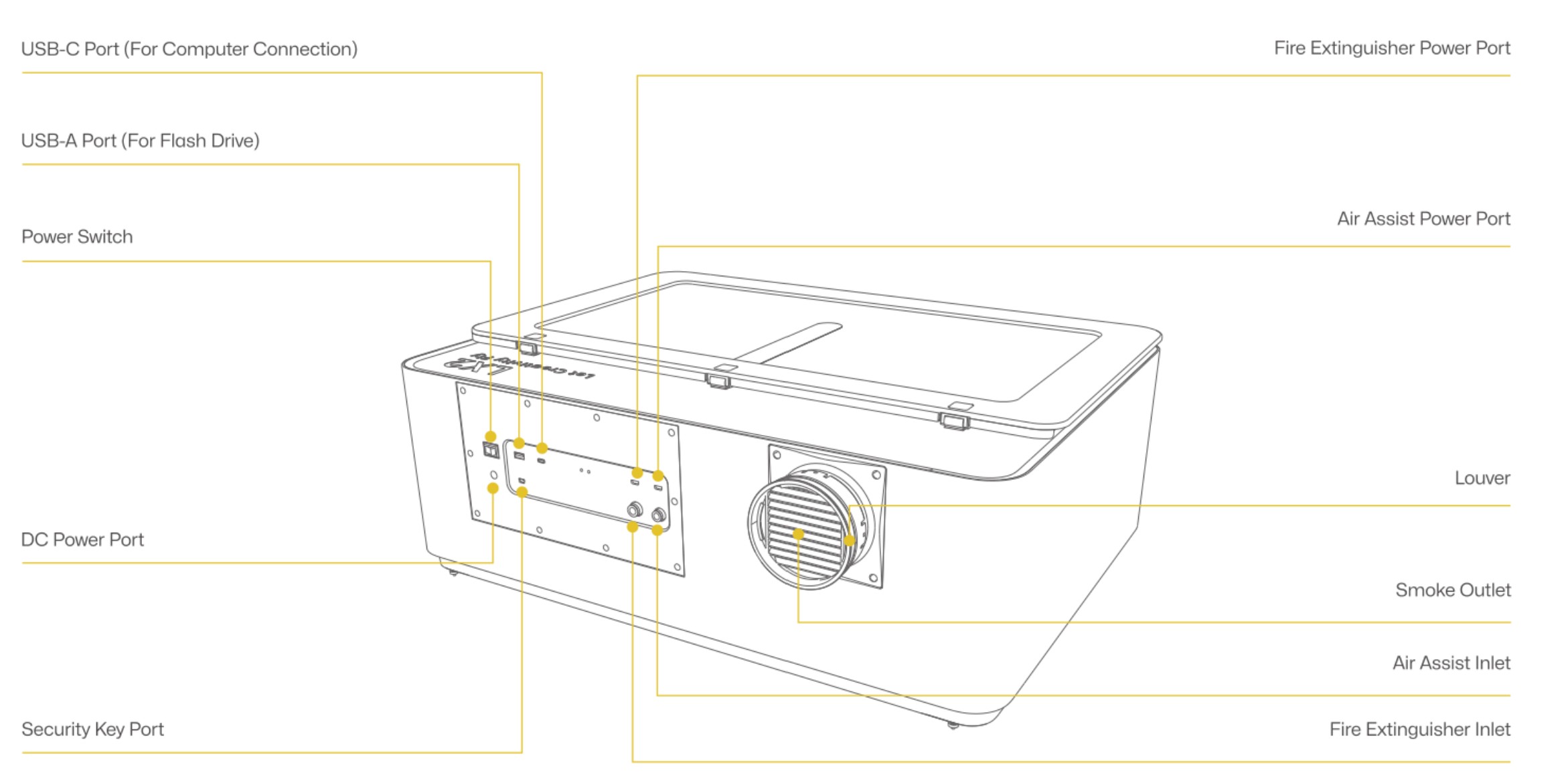

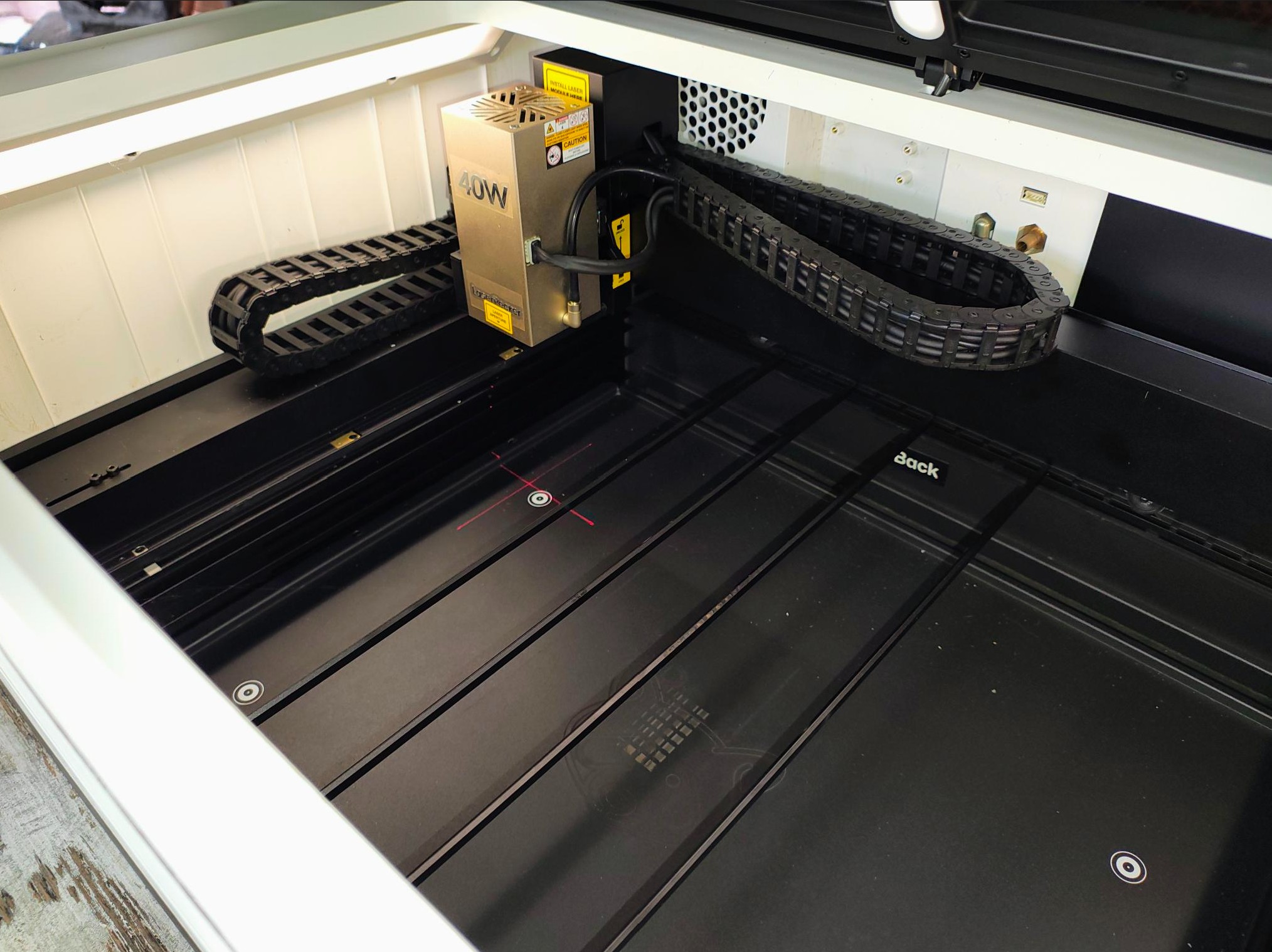
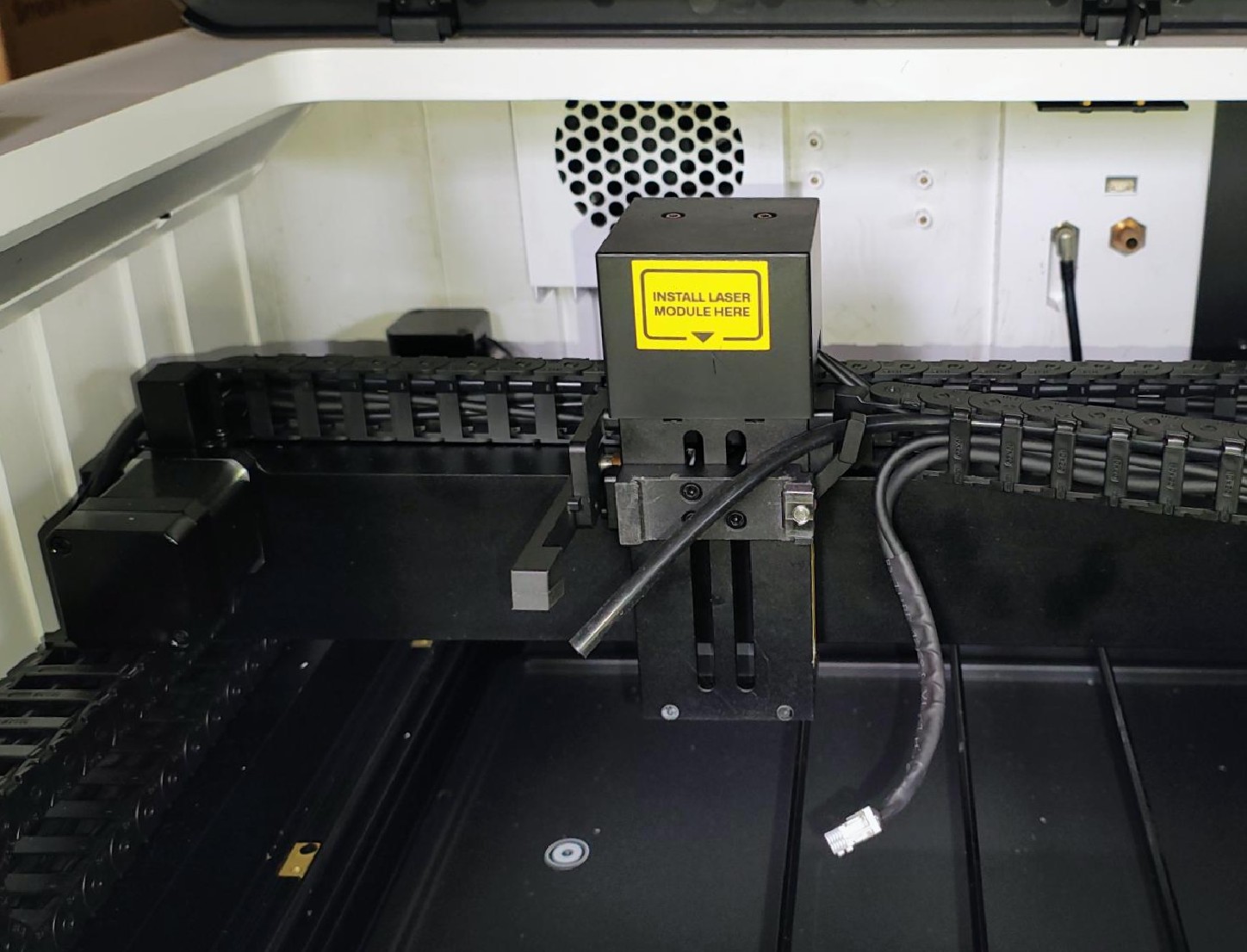
Cutting
One of the main features is its pattern cutting, leaving laser-cut smooth edges and no scorching. This is helped by the Smart Air assist and the ability to run a test pattern on the material to ascertain the best laser power settings.
- 20W Diode cuts up to 12mm wood and acrylic in one pass
- 40W Diode cuts 22mm wood and 20mm acrylic
- 60W diode cuts 25mm wood and 30mm acrylic
We tested a few metal materials with the 40W, and it seems to max out at .5mm.
We were impressed that it supported different cutting methods, including helical for metals and plastics, which is essential to stop cutouts sticking to the base material.
Engraving
While you can use any laser head and scale back the output, the 1064nm 2W IR Laser Module is specifically designed for high-quality ultra-fine 32 x 40um marking and engraving on metals, plastics, and acrylics. It can engrave from 10-300 DPI (like a standard printer).
Software – LDS Beta (not finished) for Windows
Ideally, you need a macOS (Intel or Apple Silicon) or Windows 11 PC/laptop with an Intel Core i7, 16GB RAM, 512GB SSD and maybe an FHD+ touch screen.
It can connect by USB (preferred and can work offline) or Wi-Fi (2.4GHz, but only when online)
We had the LDS (LaserPecker Design Space) Beta V3.0.9 (an update to 3.1.1 is now available) for Windows. Its diferent to the LDS software for the LP (handheld series) as it has to control so much more and has much more power and flexibility. It’s still buggy, but not so much as to negatively influence this review.
We are not going to go into the software in detail. It features:
- Basic freehand drawing tools
- Text tools
- Trace image (convert to bit map)
- Predefined object library (punch holes, etc.)
- Image import (G-code, JPG, JPEG, PNG, SVG, BMP, DXF, TIF) and a variety of filters to convert to a version suitable for engraving
- Dithering and light and dark details
- Clip Art
- Insert variable text into an engraving (names, positions, etc.)
- N-Ups: replicate as many of the same items as will fit on the base board.
- LDS Edit bar
All LDS documentation is here. (The Beta version has more features, but the LDS LP concepts are similar. There is a mobile app (not tested).
It can also use the paid LightBurn (we understand that it is now LX2 compatible).
Unboxing (unit without riser base)
Full user guides are here.
The machine firmware was updated to v90008.3.8. We have had a few updates since testing started in December.
Camera/Alignment/Depth/Focus
As part of the pre-test, a 12MP 2K camera inside assists in material positioning and aligning designs accurately onto the material.
The laser shines a moving crosshair that allows for material placement. The distance sensor accurately measures the distance between the laser and the material.
The camera/software will recognise the material QR code sticker (for material supplied by LaserPecker) and provide recommended parameters for processing. There is a small challenge in perfecting the use of your own materials, but experimentation is the best way.
Power
It uses a DC 24V/10A/240W adapter. We were unable to measure AC wattage, but I estimate about AC 65W when in use.
Maintenance
Engraving and cutting involve burning, and certain materials, like wood, can produce smoke.
Most items require a simple wipe-over, and there are filters/fans on the protective safety enclosure. Like all precision tools, look after this, and it is a keeper.
We don’t know the actual life of the lasers, but each should last at least 10,000 hours.
Safety
It is a class 1 laser (safest) and has a fully protective case and a lid interlock. There is no reason for fire unless you are stupid and ignore common-sense operating procedures.
In everyday use, it can reach 70dB, but for the most part, it’s 50-60dB.

Now to use – Pete’s observations
Hobbyists may baulk at the A$10-20K, and the LP5 portable is more than they need.
The LaserPecker LX2, however, adds incredible flexibility and far greater production speed up to 1000mm/s and for N-ups, many times more. It handles rotary and curved items as well.
This opens the door to many commercial opporunities screen printing, sign writing, engraving, trophy, or promotional items businesses. Pete is kept busy supplying the local pub with engraved cardboard coasters and has a glass (rotary attachment) order coming.
I am working with a local signwriter to product engraved door nameplates, perspex and timber cut lettering, and custom text merged engraving. My only problem is that I lack the time to market my services more widely😒.
Unlike the portable LP5 that can engrave on any surface in situ, the LX2 needs to fit the item or use the riser base for continuous feed (not tested).
The app is all you need and has presets for each material. Most worked well, but you need to experiment with non-standard materials.
It is exceptionally well made, easy and safe to use and only limited by your creativity.
Pete’s suggestion as to what to buy
- Laser heads: The 2W IR and 40W are probably all you need to start.
- Riser Base: Its handy to have such a large cutting area and that extra 150mm depth. It is something you can add, as well as the rotary glass turner, later. If you don’t get this, you cut on the four pentagon-shaped slats.
- The external air purifier is for installations indoors or where air is recirculated. I don’t need it in my workshop (I just open the garage door), but it’s necessary for inside installs at offices or malls.

Some examples and photos


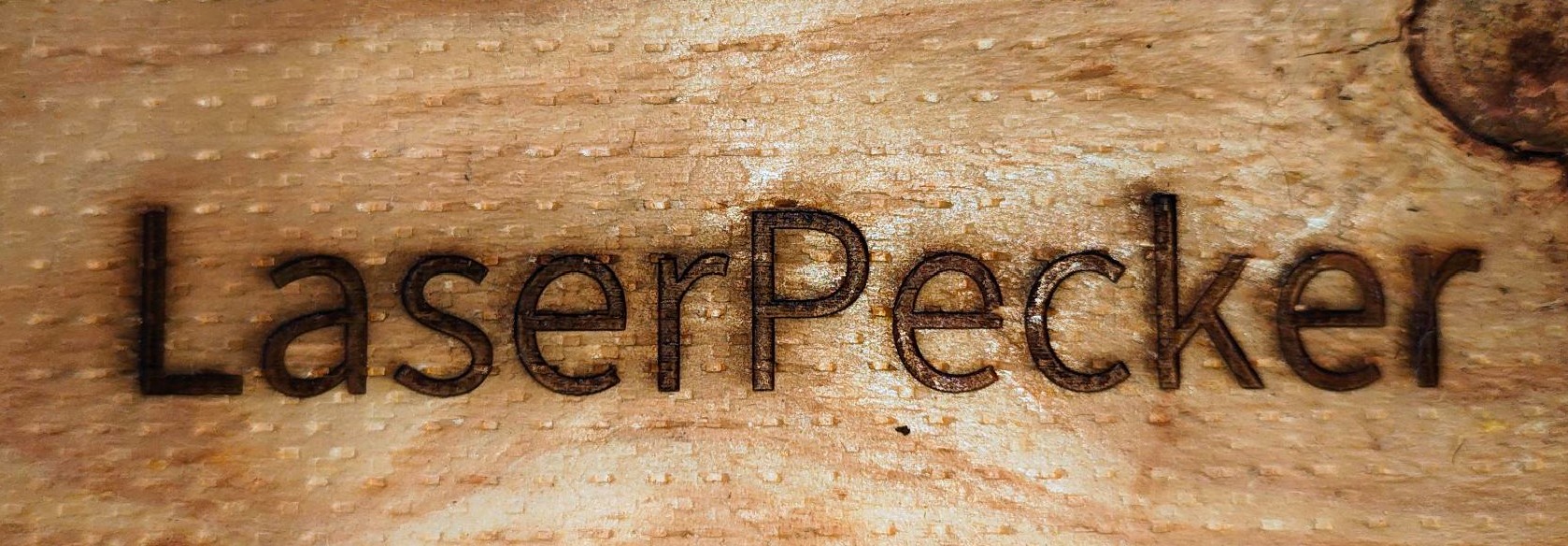


CyberShack’s view: LaserPecker LX2 is superb and easy to use. Perfect for big engraving and cutting jobs
I have yet to see a better laser, and at that price, you should expect the best. Support is via email and chat, and when needed. It is clear that they are fully versed in the product and want to help.
If this whets your interest, dozens of YouTube posts may show more about its use. We wanted to make sure that you knew its costs and capabilities.
Pete’s tradie background has been great – he knows just enough to use this machine out of the box. His focus is on how to make a buck, and I can see this having many other uses. For example, the local primary school is interested in bulk craft paper cutouts (they have been using Cricut, and it’s way too slow). The local crafters see potential for knitting and sewing patterns. The Men’s Shed sees it as a perfect addition to its woodworking skills.
Rating
We can’t rate it formally as we don’t have any benchmarks, but it’s at least 90/100! Early user reviews rate it as 4.7/5.
- Features: It seems to have every feature you need, including software.
- Value: I can see the value, but a A$10K+ is not a hobbyist device
- Performance: Cuts and engraves hundreds of materials.
- Ease of Use: After the initial apprehension, I was engraving and cutting like a Pro!
- Design: Interesting, well-made, safe and functional.
Pro
The safety features are superb – you can be confident in its use.
Out of the box, you can quickly cut and engrave basic materials
Choice of four lasers (yes, at extra cost) and easy swap out
The camera helps with placement.
Great accessories
Con
Needs a complete set of slats in the box.
Would like more in the library of settings.
The economics may not stack up for hobbyists








Comments